Vobuda and kitty, side by side
kitty is the terminal for people who want the whole thing scriptable and are happy to configure it by hand. Vobuda agrees about the scripting and disagrees about where it should stop.
What kitty is good at
kitty is fast, GPU-rendered, cross-platform between macOS and Linux, and unusually programmable: kittens extend it in Python, remote control drives it from scripts, and its layouts, tabs and windows are all under that control. Its configuration is one text file, it is open source, and it has never asked anybody for anything.
If you like configuring a tool once, carefully, and then scripting it forever, kitty is built exactly for you and Vobuda is not obviously better at that job.
Where the two differ
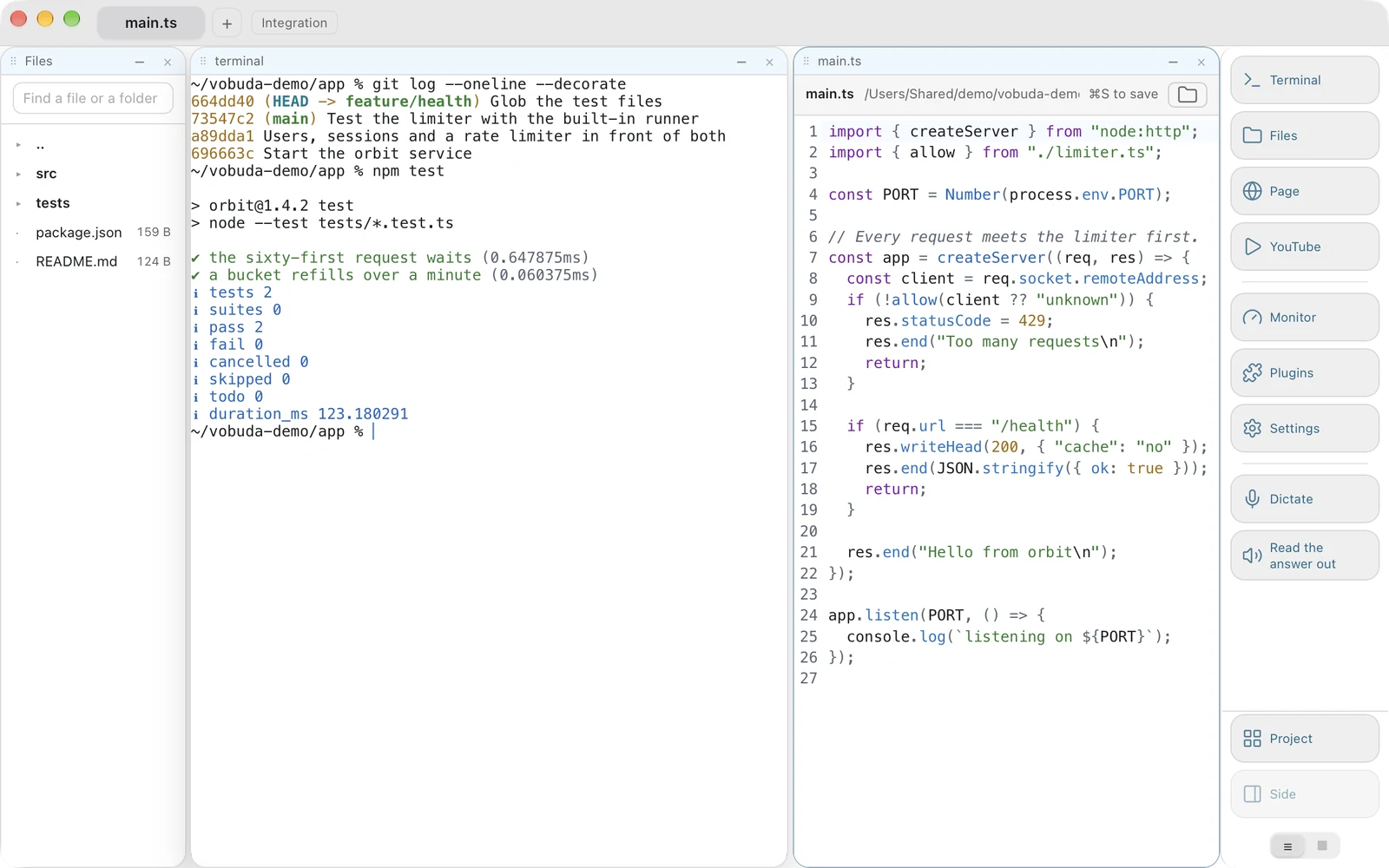
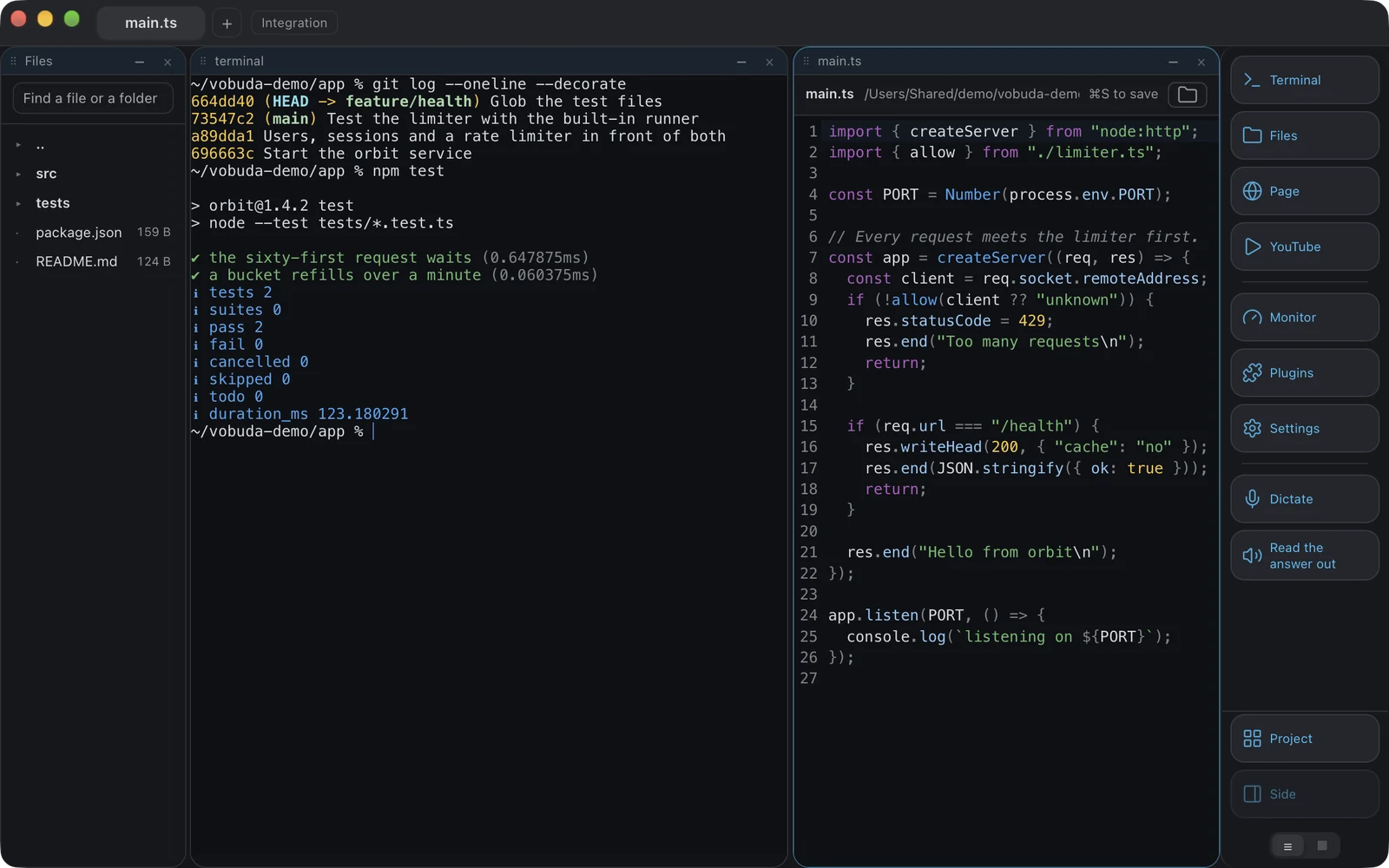
-
Both are scriptable, differently
kitty has remote control and kittens. Vobuda has one dictionary of actions that a button, a key, the menu bar, Cmd+K and the command line all call by name, which means anything the interface can do the command line can do and vice versa, and the interface tests prove it by driving the whole program that way.
-
Configuration shape
kitty is one text file. Vobuda is a folder of JSON, one file per theme, look, monitor skin, dock, agent description and shortcut set, watched while the program runs so a save redraws the window. Which of those you prefer is genuinely taste.
-
The agent
kitty runs an agent as a program. Vobuda reads that agent's own sessions, skills, models, effort levels and permission mode and draws them as controls, keeps a record each time it stops, and can keep the Mac awake for a time you choose.
-
Source and platforms
Both run on macOS and Linux. kitty is open source and Vobuda is closed. If that matters to you, it decides it.
Where your configuration lives
The shortest honest answer to this comparison. Both samples set the same four things: typeface, size, colours, transparency.
font_family JetBrains Monofont_size 13.0background_opacity 0.96include themes/tokyo-night.confmap cmd+d launch --location=vsplit{ "theme": "tokyo-night", "term": { "font": "JetBrains Mono", "fontSize": 13 }, "window": { "opacity": 0.96, "quakeKey": "cmd+`" }} # themes/, keys.json and skins/ sit beside it in the same# folder. Nothing about you is written anywhere else.Side by side
Read September 2026. Their own site is the authority on anything that has changed since.
| vobuda | kitty | |
|---|---|---|
| Platforms | macOS 10.15+, Linux | macOS, Linux |
| Source | Closed, free | Open, GPLv3 |
| Account | None | None |
| Configuration | A folder of readable JSON, hot-reloaded | kitty.conf, one text file |
| Scripting | Every action by name, from the command line | Remote control and kittens |
| Agent control bar | Yes | No |
| System monitor | Twelve kinds of panel | No |
| Editor beside the shell | 227 kinds of file | No |
| Interface languages | 40, with a guide in each | English |
Everything claimed about vobuda is checkable in the build on this site. See the whole field on one page.
kitty and vobuda, asked plainly
Is kitty faster?
kitty is built around throughput and does very well at it. Vobuda draws its text with xterm.js, with GPU rendering as an option, and is fast enough that speed has not been the complaint, but measure it yourself if it is your deciding criterion.
Can I script Vobuda like kitty?
Yes, and from the same list the keys use: vobuda do block.split-down, vobuda button files, vobuda theme, vobuda send, vobuda state, vobuda log. The interface tests drive the whole program through it.
Does Vobuda run on Linux?
Yes. A .deb and an AppImage for Intel/AMD and ARM machines, for Ubuntu 22.04+, Debian 12+, Fedora 36+ and openSUSE Leap 15.6+. Dictation and reading aloud are macOS only.
Ten minutes is a better comparison than this page
It installs in one line, opens with a single terminal block and takes nothing from you.
curl -fsSL https://vobuda.com/install.sh | sh