Vobuda as an iTerm2 alternative
iTerm2 is the terminal most Mac developers have used at some point, and for good reason. If you are happy in it, this page will probably tell you to stay.
What iTerm2 is good at
iTerm2 has been in development for the better part of twenty years and it shows in the places nobody thinks to look: tmux integration that actually works, a status bar you can compose out of components, triggers, instant replay, semantic history, shell integration that knows where each command started and ended. It is free, it is open source under the GPL, and it has never asked anyone for an account.
If your terminal needs are a mature, deeply configurable, macOS-native program with an enormous feature surface and no company attached, iTerm2 is that program and it will still be that program in five years.
Where the two differ
-
The agent
This is the whole reason Vobuda exists. iTerm2 will run Claude Code or Codex in a session perfectly well, but a running agent is text scrolling past: its model, its effort level, its permission mode, its past sessions and the state it is in are all invisible the moment they scroll. Vobuda reads those out of the agent's own files and screen and puts them on a bar above the block.
-
Configuration you can read
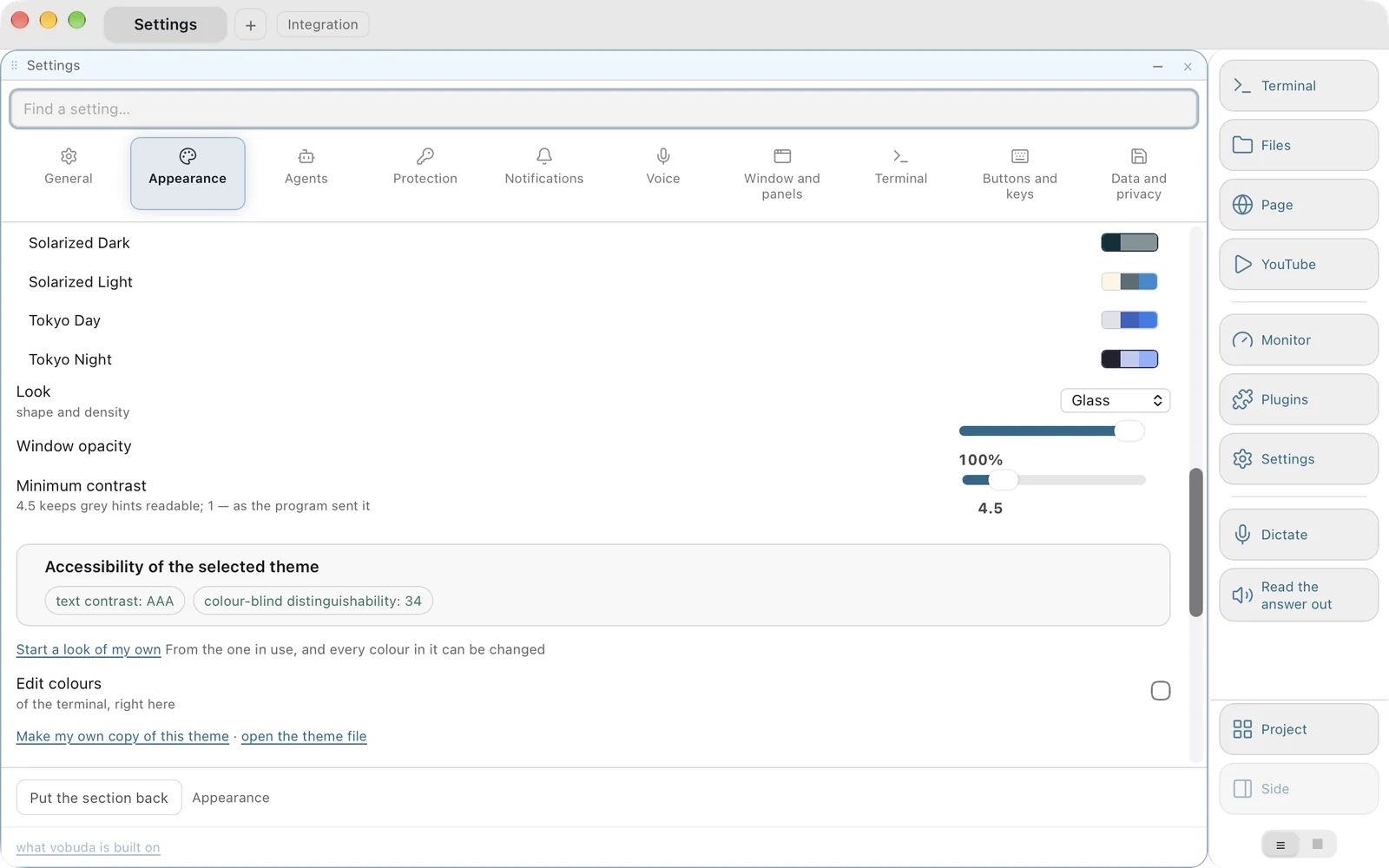
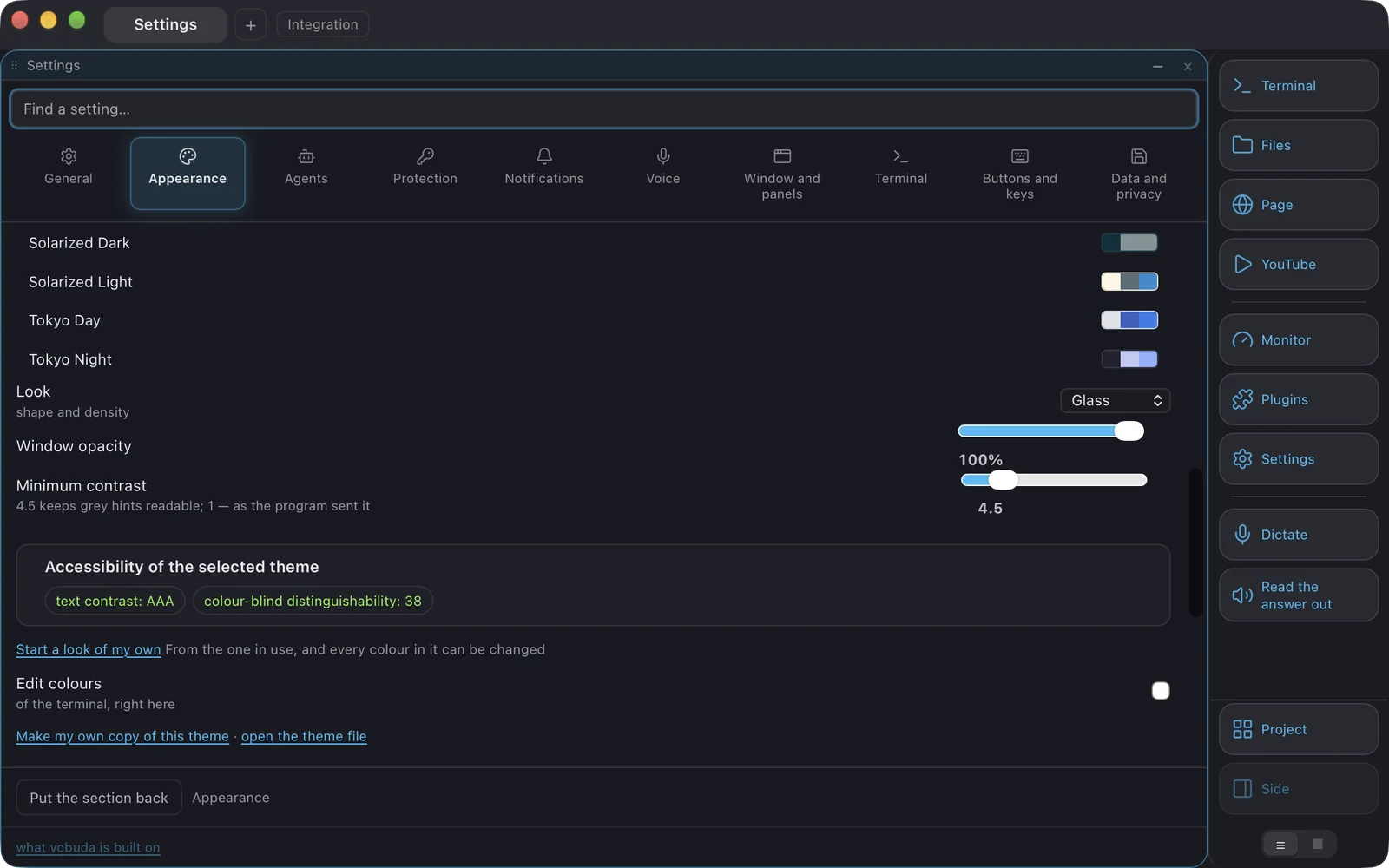
iTerm2's settings live in its preferences and its profiles, edited through a large and capable settings window. Vobuda's live in ~/.config/vobuda as JSON you can open, diff, commit and hand to somebody else, watched while the program runs so saving a file redraws the window without a restart.
-
One dictionary of actions
In Vobuda a button, a key, the macOS menu bar, Cmd+K and the command line all name the same action. That is why vobuda do block.split-down does exactly what the key does, why an agent can rearrange your window and you can read what it did, and why the interface tests drive the program through its own command line.
-
What iTerm2 has that Vobuda does not
tmux integration, triggers, instant replay, and twenty years of accumulated depth. If you rely on any of those, Vobuda has no answer for you today and it would be dishonest to pretend otherwise.
Where your configuration lives
The shortest honest answer to this comparison. Both samples set the same four things: typeface, size, colours, transparency.
$ defaults read com.googlecode.iterm2 "New Bookmarks"( { "Normal Font" = "JetBrainsMono-Regular 13"; "Terminal Type" = "xterm-256color"; "Transparency" = "0.04"; }){ "theme": "tokyo-night", "term": { "font": "JetBrains Mono", "fontSize": 13 }, "window": { "opacity": 0.96, "quakeKey": "cmd+`" }} # themes/, keys.json and skins/ sit beside it in the same# folder. Nothing about you is written anywhere else.Side by side
Read September 2026. Their own site is the authority on anything that has changed since.
| vobuda | iTerm2 | |
|---|---|---|
| Platforms | macOS 10.15+, Linux | macOS |
| Source | Closed, free | Open, GPL |
| Account | None | None |
| Configuration | Readable JSON files, hot-reloaded | Preferences window and profiles |
| Agent control bar | Yes, over Claude Code, Codex or a local model | No |
| Splits and tabs | Blocks that split, nest and drag between tabs with their shells running | Split panes and tabs |
| tmux integration | No | Yes, and it is excellent |
| System monitor | Twelve kinds of panel as blocks | Status bar components for CPU, memory and network |
| Editor beside the shell | 227 kinds of file, project search, several cursors | No |
| Interface languages | 40, with a guide in each | English |
Everything claimed about vobuda is checkable in the build on this site. See the whole field on one page.
iTerm2 and vobuda, asked plainly
Should I switch from iTerm2?
Only if the agent part matters to you, or you want your configuration as files in git. iTerm2 is free, open source, mature and will not let you down.
Is iTerm2 still maintained?
Yes, and it has been for about twenty years. Its own site is the place to check what shipped last.
Can I bring my iTerm2 colour scheme?
A vobuda theme is a JSON file with the terminal's sixteen ANSI colours, its background, text, cursor and selection, and the window's own colours, so translating a scheme by hand takes a few minutes. Twenty-five palettes ship, including the ones most people are coming from.
Does vobuda do tmux integration?
No. If tmux integration is why you use iTerm2, stay on iTerm2.
Ten minutes is a better comparison than this page
It installs in one line, opens with a single terminal block and takes nothing from you.
curl -fsSL https://vobuda.com/install.sh | sh