Vobuda and Ghostty, side by side
Ghostty is the terminal people move to when they want speed and native feel with nothing bolted on. Vobuda wants a different thing from the same window.
What Ghostty is good at
Ghostty is very fast, genuinely native on macOS, and built by someone with an unusual level of care about terminal correctness. Its configuration is a plain text file, it is open source under a permissive licence, it has never asked for an account, and it is deliberately restrained: it does what a terminal does, extremely well, and stops.
That restraint is a feature and it is exactly why some people will read this page and correctly decide to stay. If you want the fastest, cleanest, least opinionated terminal that still feels like a Mac application, Ghostty is a very strong answer.
Where the two differ
-
Restraint versus reach
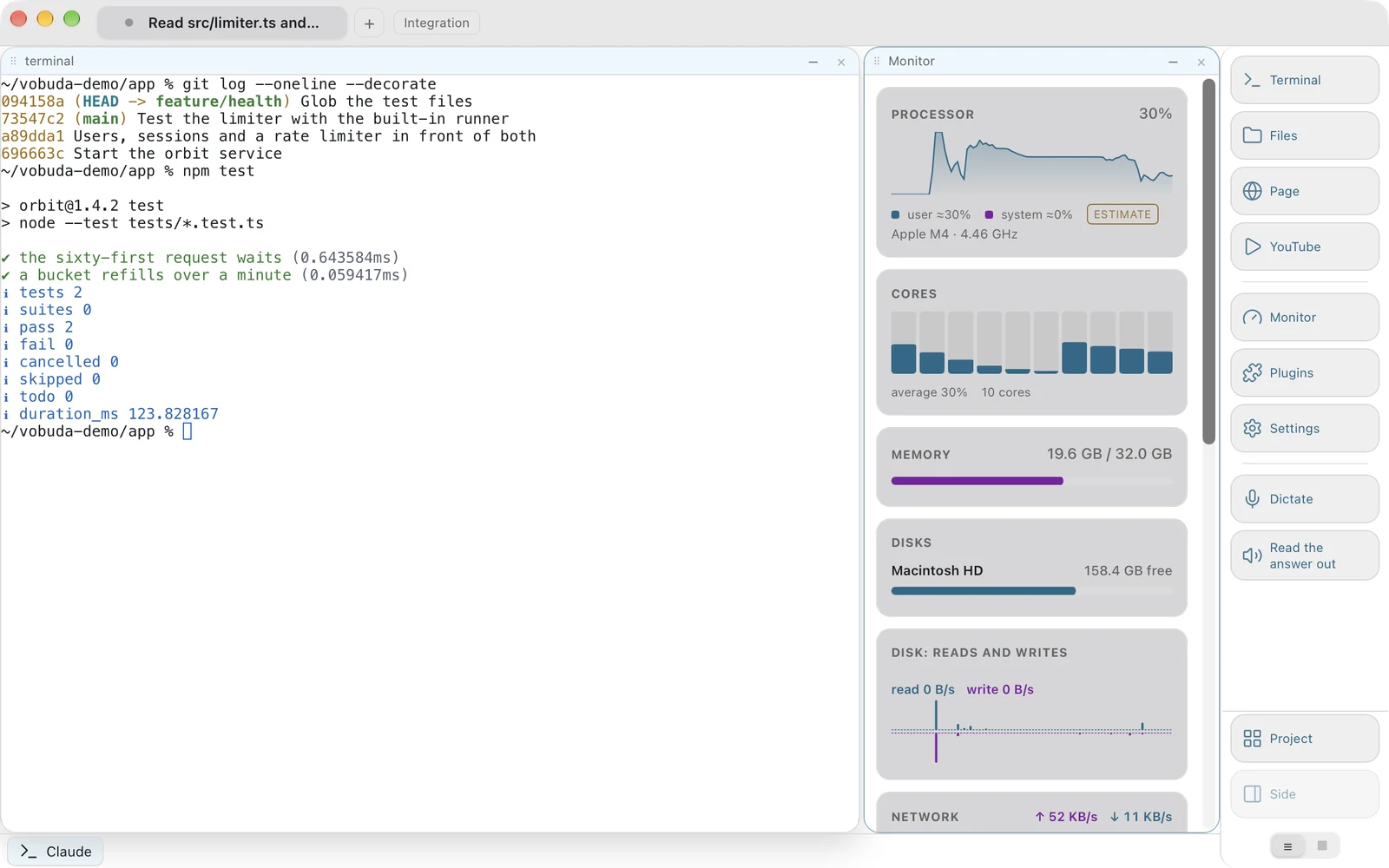
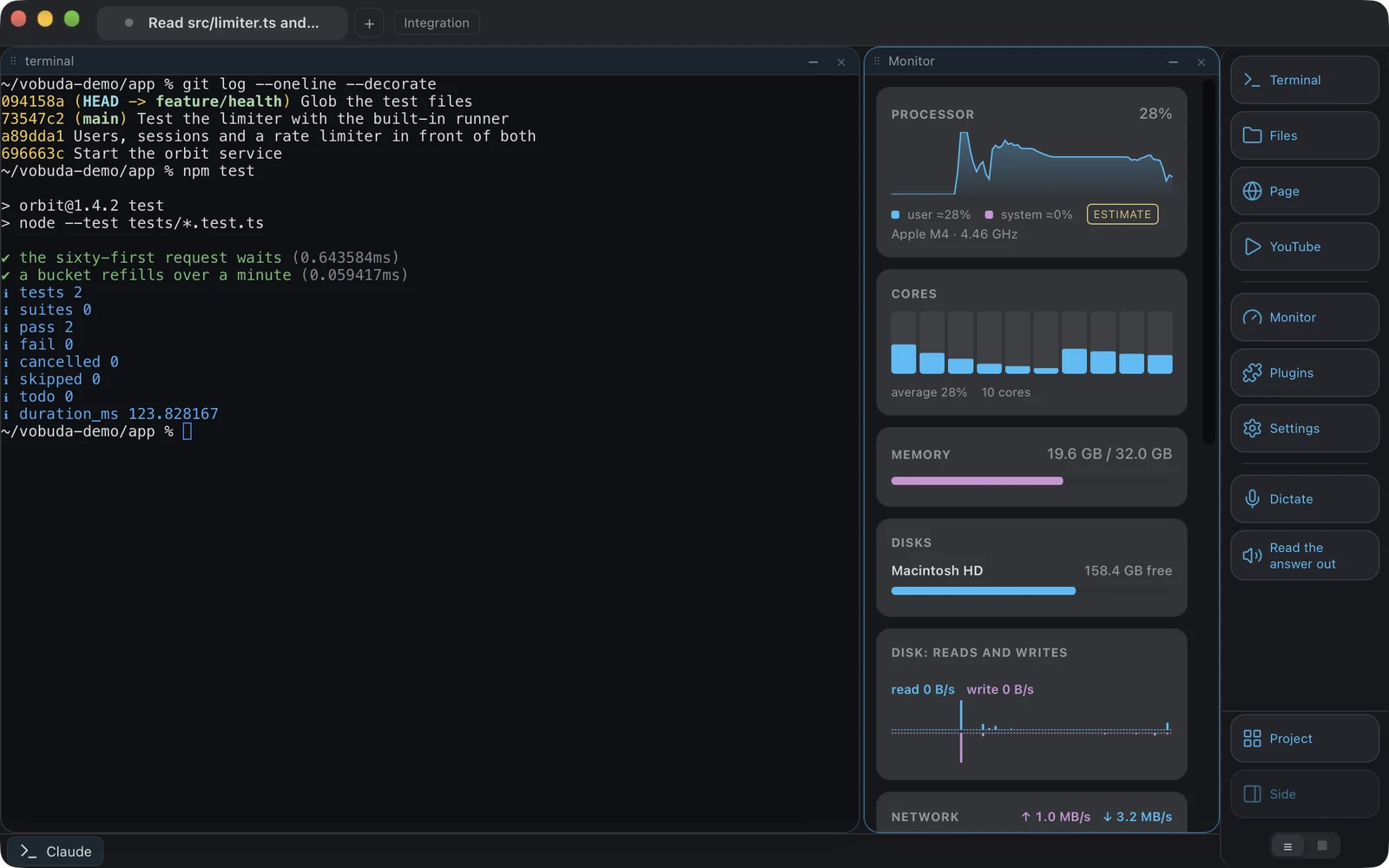
Ghostty draws a line and stays on the terminal side of it. Vobuda draws the line somewhere else: a block can be a terminal, a file being edited, the files panel, a web page, a picture, a PDF, a Markdown page, a diff, the system monitor, the settings screen or an add-on's panel, because once a window knows how to hold a block it can hold any of them. Whether that is a feature or a distraction is a real question and the honest answer depends on how you work.
-
The agent
Ghostty runs an agent the way any terminal runs a program. Vobuda reads that agent's own sessions, skills, models, effort levels and permission mode and draws them as menus a mouse can use, and keeps a line every time an agent stops so you can tell which of three is waiting for you.
-
Configuration
Both keep configuration in files you own, which is the thing they most agree about. Ghostty uses one plain text config; Vobuda uses a folder of JSON, one file per theme, look, skin, dock, agent and shortcut set, watched while the program runs and restorable on another Mac from a single archive.
-
Source
Ghostty is open source and you can read and build it. Vobuda is closed: free of charge, but the build is what is handed out. If reading the source matters to you, that is a real point against Vobuda and it should be.
Where your configuration lives
The shortest honest answer to this comparison. Both samples set the same four things: typeface, size, colours, transparency.
font-family = JetBrains Monofont-size = 13theme = tokyonightbackground-opacity = 0.96keybind = cmd+d=new_split:right{ "theme": "tokyo-night", "term": { "font": "JetBrains Mono", "fontSize": 13 }, "window": { "opacity": 0.96, "quakeKey": "cmd+`" }} # themes/, keys.json and skins/ sit beside it in the same# folder. Nothing about you is written anywhere else.Side by side
Read September 2026. Their own site is the authority on anything that has changed since.
| vobuda | Ghostty | |
|---|---|---|
| Platforms | macOS 10.15+, Linux | macOS, Linux |
| Source | Closed, free | Open, MIT |
| Account | None | None |
| Configuration | A folder of readable JSON, hot-reloaded | A plain text config file |
| Agent control bar | Yes | No |
| Blocks | Terminal, editor, files, web page, monitor, settings | Terminal, with splits and tabs |
| System monitor | Twelve kinds of panel | No |
| Speech | Dictation and reading aloud, on-device, on macOS | No |
| Interface languages | 40, with a guide in each | Check their site |
| Themes | 25 palettes, two built for colour vision deficiency | Many, from the usual community sets |
Everything claimed about vobuda is checkable in the build on this site. See the whole field on one page.
Ghostty and vobuda, asked plainly
Is Ghostty faster than Vobuda?
Probably, on raw throughput. Ghostty is built around being fast and Vobuda is built around holding an agent's state. Vobuda draws its text with xterm.js, with GPU rendering as an option, and is fast enough that this has never been the complaint, but if a benchmark is your criterion, run it yourself on your machine.
Is Ghostty free?
Yes, and open source. So is Vobuda in price, though Vobuda's source is not published.
Which should I pick?
If you want a terminal and nothing else, Ghostty. If your day is mostly handing work to Claude Code or Codex and reading what comes back, Vobuda earns its extra surface.
Ten minutes is a better comparison than this page
It installs in one line, opens with a single terminal block and takes nothing from you.
curl -fsSL https://vobuda.com/install.sh | sh