Vobuda y Ghostty, una al lado de la otra
Ghostty es la terminal a la que la gente migra cuando busca velocidad y sensación nativa sin nada añadido. Vobuda quiere algo distinto de la misma ventana.
En qué destaca Ghostty
Ghostty es muy rápida, genuinamente nativa en macOS, y está construida por alguien con un nivel de cuidado poco común por la corrección de la terminal. Su configuración es un archivo de texto plano, es de código abierto bajo una licencia permisiva, nunca ha pedido una cuenta, y es deliberadamente contenida: hace lo que hace una terminal, extremadamente bien, y se detiene ahí.
Esa contención es una virtud, y es justo la razón por la que algunas personas leerán esta página y decidirán, con razón, quedarse donde están. Si quieres la terminal más rápida, más limpia y menos opinada que aún se sienta como una aplicación de Mac, Ghostty es una respuesta muy sólida.
En qué se diferencian
-
Contención frente a alcance
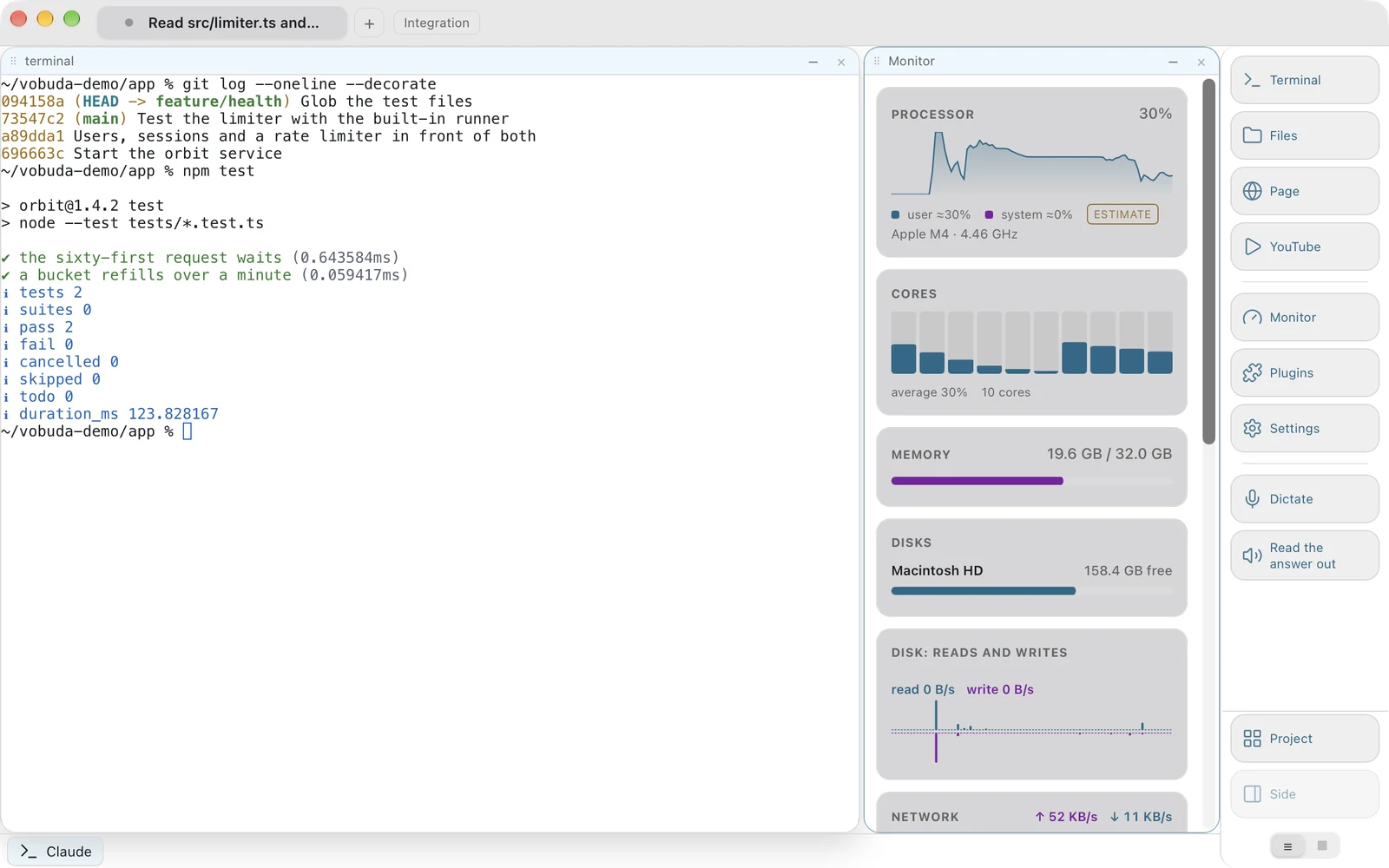
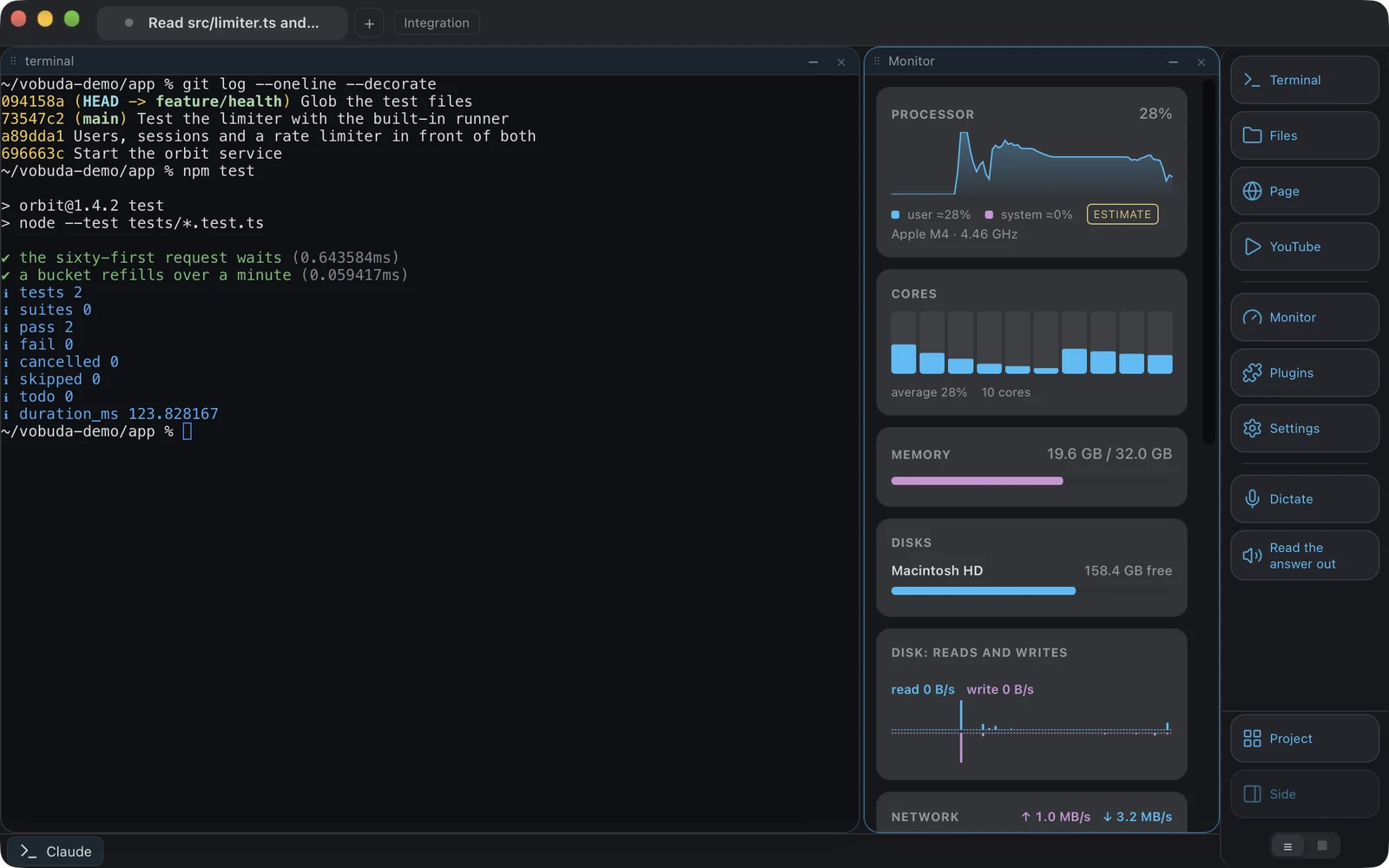
Ghostty traza una línea y se queda del lado de la terminal. Vobuda traza esa línea en otro lugar: un bloque puede ser una terminal, un archivo en edición, el panel de archivos, una página web, una imagen, un PDF, una página Markdown, un diff, el monitor del sistema, la pantalla de ajustes o el panel de un complemento, porque una vez que una ventana sabe alojar un bloque, puede alojar cualquiera de ellos. Si eso es una virtud o una distracción es una pregunta real, y la respuesta honesta depende de cómo trabajes.
-
El agente
Ghostty ejecuta un agente igual que cualquier terminal ejecuta un programa. Vobuda lee las sesiones, skills, modelos, niveles de esfuerzo y modo de permisos propios de ese agente, y los convierte en menús que se manejan con el ratón, además de marcar una línea cada vez que un agente se detiene para que sepas cuál de los tres te está esperando.
-
Configuración
Ambas guardan la configuración en archivos que te pertenecen, que es en lo que más coinciden. Ghostty usa un único archivo de configuración en texto plano; Vobuda usa una carpeta de JSON, un archivo por tema, apariencia, skin, dock, agente y conjunto de atajos, vigilada mientras el programa se ejecuta y restaurable en otro Mac desde un solo archivo comprimido.
-
Código fuente
Ghostty es de código abierto y puedes leerlo y compilarlo. Vobuda es cerrado: gratuito, pero lo que se entrega es el binario compilado. Si leer el código fuente te importa, eso juega en contra de Vobuda, y con razón.
Dónde vive tu configuración
La respuesta más corta y honesta de esta comparación. Ambos ejemplos configuran las mismas cuatro cosas: tipografía, tamaño, colores, transparencia.
font-family = JetBrains Monofont-size = 13theme = tokyonightbackground-opacity = 0.96keybind = cmd+d=new_split:right{ "theme": "tokyo-night", "term": { "font": "JetBrains Mono", "fontSize": 13 }, "window": { "opacity": 0.96, "quakeKey": "cmd+`" }} # themes/, keys.json y skins/ están junto a él, en la misma# carpeta. No se escribe nada tuyo en ningún otro sitio.Frente a frente
Revisado en septiembre de 2026. Su propio sitio es la fuente de verdad sobre cualquier cambio posterior.
| vobuda | Ghostty | |
|---|---|---|
| Plataformas | macOS 10.15+, Linux | macOS, Linux |
| Código fuente | Cerrado, gratis | Abierto, MIT |
| Cuenta | Ninguna | Ninguna |
| Configuración | Una carpeta de JSON legible, con recarga en caliente | Un archivo de configuración en texto plano |
| Barra de control del agente | Sí | No |
| Bloques | Terminal, editor, archivos, página web, monitor, ajustes | Terminal, con divisiones y pestañas |
| Monitor del sistema | Doce tipos de panel | No |
| Voz | Dictado y lectura en voz alta, en el dispositivo, en macOS | No |
| Idiomas de la interfaz | 40, cada uno con su propia guía | Consulta su sitio |
| Temas | 25 paletas, dos diseñadas para deficiencias en la visión del color | Muchos, de los conjuntos habituales de la comunidad |
Todo lo que se afirma sobre vobuda se puede comprobar en la compilación de este sitio. Consulta todo el panorama en una sola página.
Ghostty y vobuda, sin rodeos
¿Es Ghostty más rápida que Vobuda?
Probablemente, en rendimiento bruto. Ghostty está construida en torno a la velocidad, y Vobuda en torno a sostener el estado de un agente. Vobuda dibuja su texto con xterm.js, con renderizado por GPU como opción, y es lo bastante rápida como para que esto nunca haya sido la queja, pero si tu criterio es un benchmark, hazlo tú mismo en tu propia máquina.
¿Es Ghostty gratis?
Sí, y de código abierto. Vobuda también es gratis, aunque su código fuente no está publicado.
¿Cuál debería elegir?
Si quieres una terminal y nada más, Ghostty. Si tu día consiste sobre todo en encargar trabajo a Claude Code o Codex y leer lo que devuelven, la superficie extra de Vobuda se justifica.
Diez minutos de prueba valen más que esta página
Se instala con una sola línea, se abre con un bloque de terminal único y no te pide nada a cambio.
curl -fsSL https://vobuda.com/install.sh | sh