Vobuda and WezTerm, side by side
WezTerm is the terminal for people who want a multiplexer and a real programming language in the config. Vobuda wants the window to know about the agent instead.
What WezTerm is good at
WezTerm is written in Rust, runs on macOS, Linux and Windows, renders on the GPU, and is configured in Lua, which means the configuration is a program and can do anything a program can. It has its own multiplexer, so panes and tabs survive across connections, and it is open source under a permissive licence.
If you work across machines and want one terminal that behaves identically on all of them, with sessions that outlive the connection, WezTerm is a very good answer and Vobuda has nothing equivalent.
Where the two differ
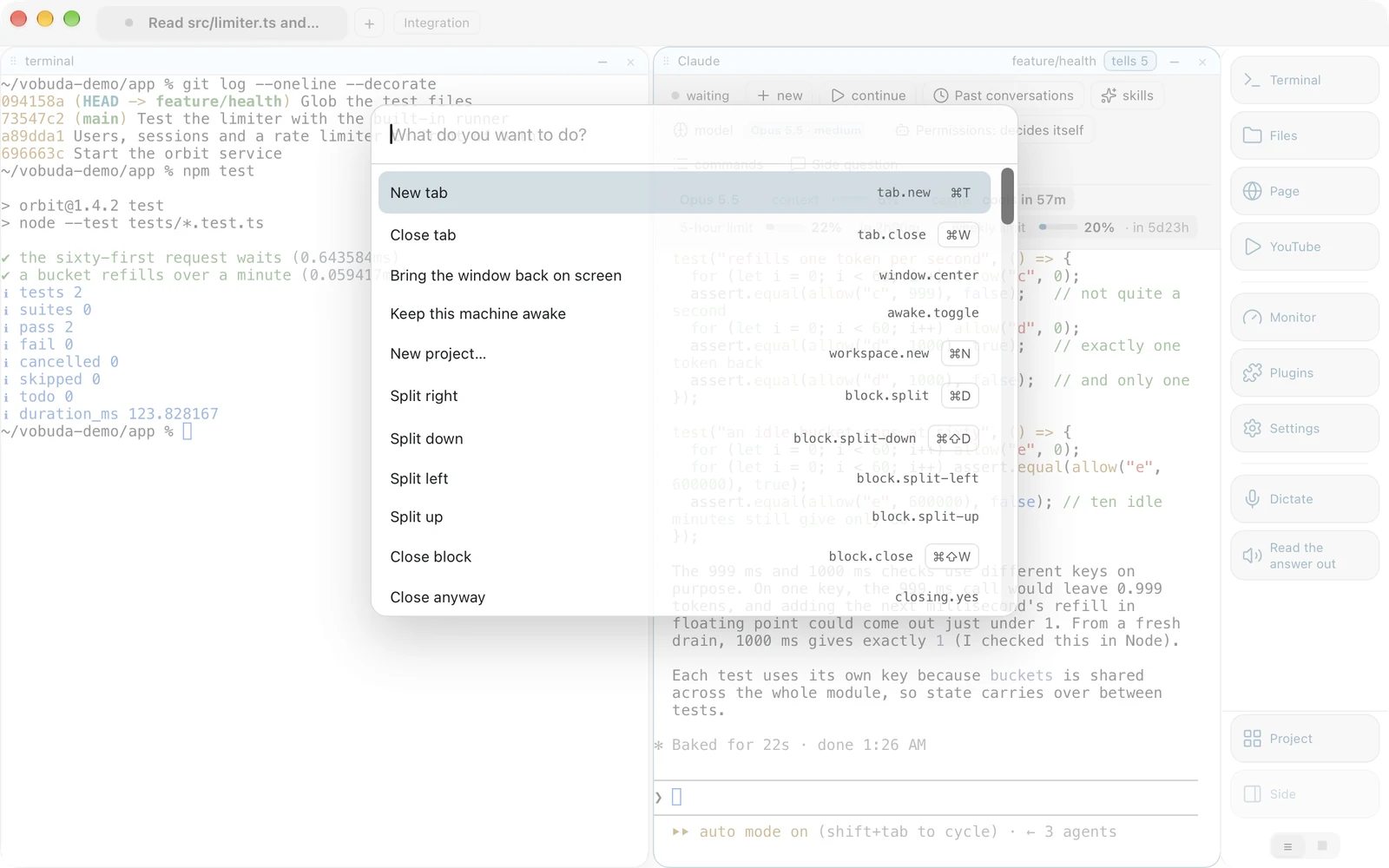
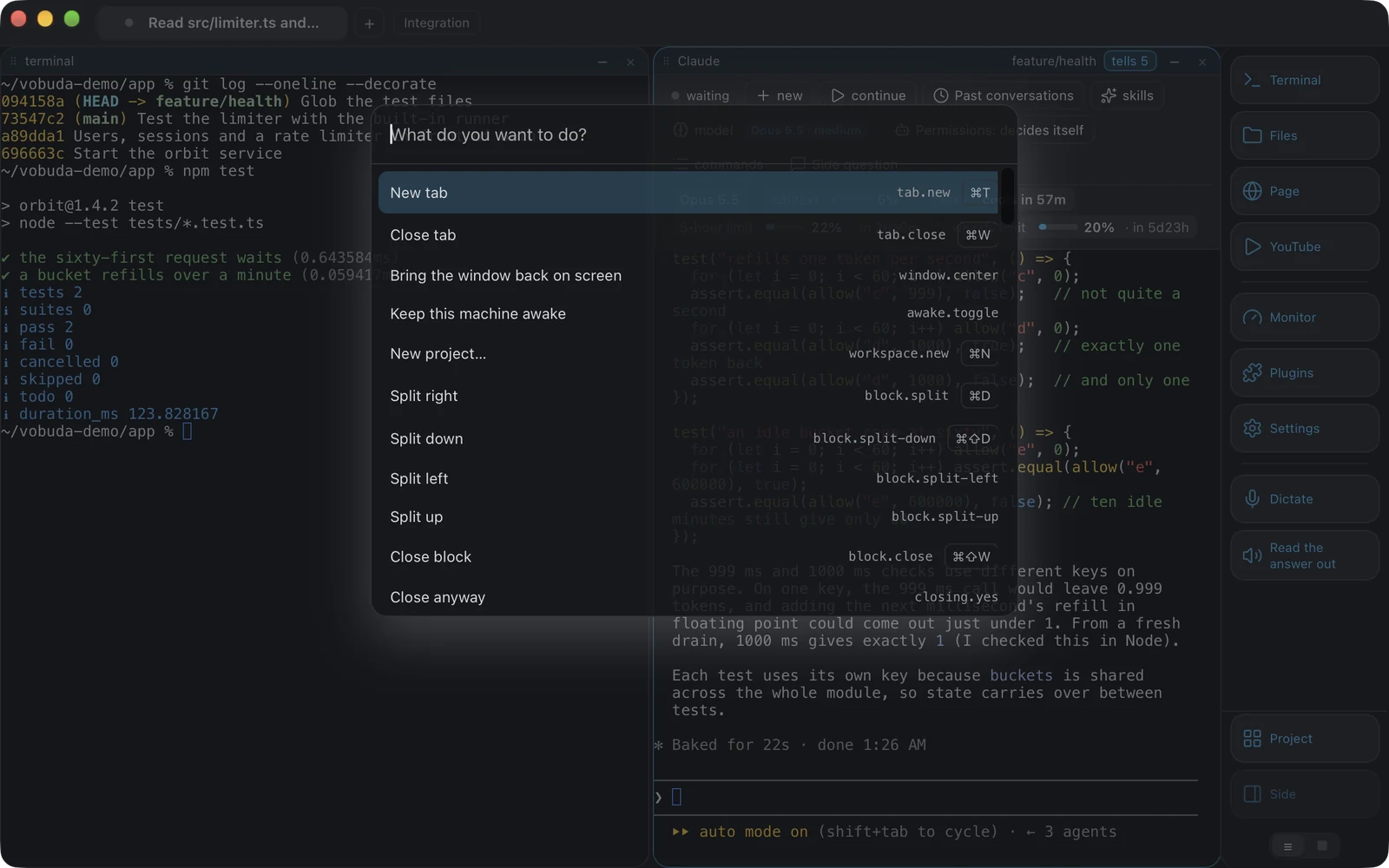
-
Lua config against JSON files
WezTerm's config is a Lua program: powerful, and it can compute. Vobuda's is a folder of JSON: not computable, but readable by anything, diffable, and editable by the settings screen and by hand without the two disagreeing. Both are configuration you own, which is the thing that matters most.
-
Multiplexing
WezTerm multiplexes. Vobuda does not, but on this Mac its shells outlive the window: a keeper holds them through a quit, an update or a crash, and the blocks come back to them. A block dragged to another tab keeps its shell for the same reason. If you need sessions that survive a dropped remote connection, WezTerm has that and Vobuda does not.
-
The agent
Vobuda reads the agent's own sessions, skills, models, effort levels and permission mode and puts them on a bar above the block, and records each time an agent stops so you can tell which of several is waiting.
-
Platforms
WezTerm runs everywhere. Vobuda runs on macOS and Linux, and there is no Windows build.
Where your configuration lives
The shortest honest answer to this comparison. Both samples set the same four things: typeface, size, colours, transparency.
local wezterm = require 'wezterm'return { font = wezterm.font 'JetBrains Mono', font_size = 13.0, color_scheme = 'Tokyo Night', window_background_opacity = 0.96,}{ "theme": "tokyo-night", "term": { "font": "JetBrains Mono", "fontSize": 13 }, "window": { "opacity": 0.96, "quakeKey": "cmd+`" }} # themes/, keys.json and skins/ sit beside it in the same# folder. Nothing about you is written anywhere else.Side by side
Read September 2026. Their own site is the authority on anything that has changed since.
| vobuda | WezTerm | |
|---|---|---|
| Platforms | macOS 10.15+, Linux | macOS, Linux, Windows |
| Source | Closed, free | Open, MIT |
| Account | None | None |
| Configuration | A folder of readable JSON, hot-reloaded | Lua |
| Multiplexer | No, but shells outlive the window | Yes, built in |
| Agent control bar | Yes | No |
| System monitor | Twelve kinds of panel | No |
| Editor beside the shell | 227 kinds of file | No |
| Interface languages | 40, with a guide in each | English |
Everything claimed about vobuda is checkable in the build on this site. See the whole field on one page.
WezTerm and vobuda, asked plainly
Does Vobuda have a multiplexer?
No. Shells outlive the window on this machine, through a quit, an update or a crash, and blocks keep their shells when they move between tabs. Nothing survives a dropped remote connection.
Which is better for remote work?
WezTerm, clearly. Its multiplexer is built for exactly that.
Which is better for agent work?
Vobuda, because the agent's state ends up in the window rather than in the scrollback.
Ten minutes is a better comparison than this page
It installs in one line, opens with a single terminal block and takes nothing from you.
curl -fsSL https://vobuda.com/install.sh | sh