Vobuda and Hyper, side by side
Hyper made the case that a terminal could be built with web technology and extended by anyone. Vobuda takes the same rendering bet and a very different position on where the program's core belongs.
What Hyper is good at
Hyper's premise was correct and early: if the interface is HTML and CSS, then anybody who writes web code can extend the terminal, and a plugin ecosystem follows. It is open source, cross-platform, and its configuration is a JavaScript file, so the config is a program.
If you want to write your own terminal features in JavaScript without learning a new system, Hyper's plugin model is still the most approachable in this field.
Where the two differ
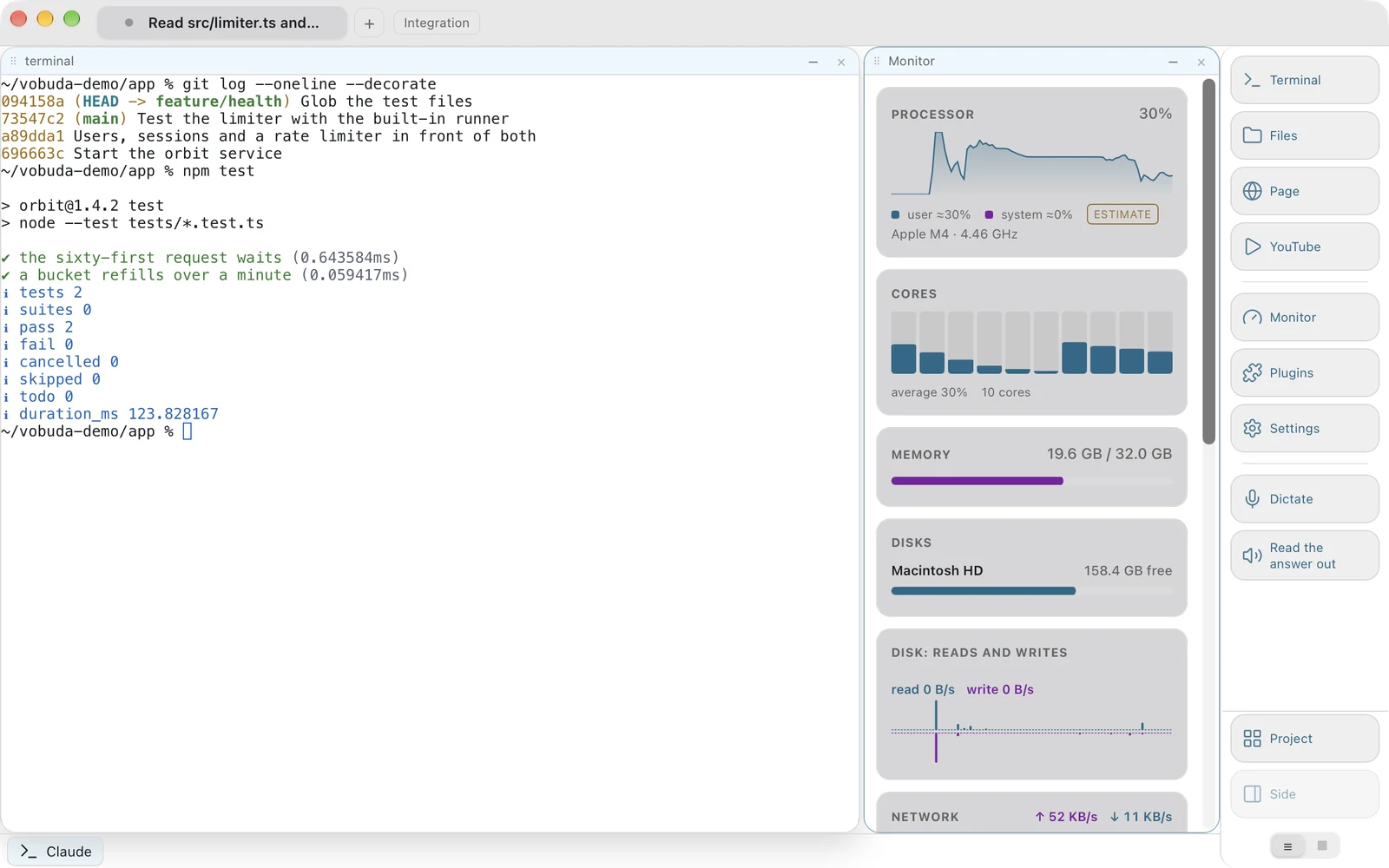
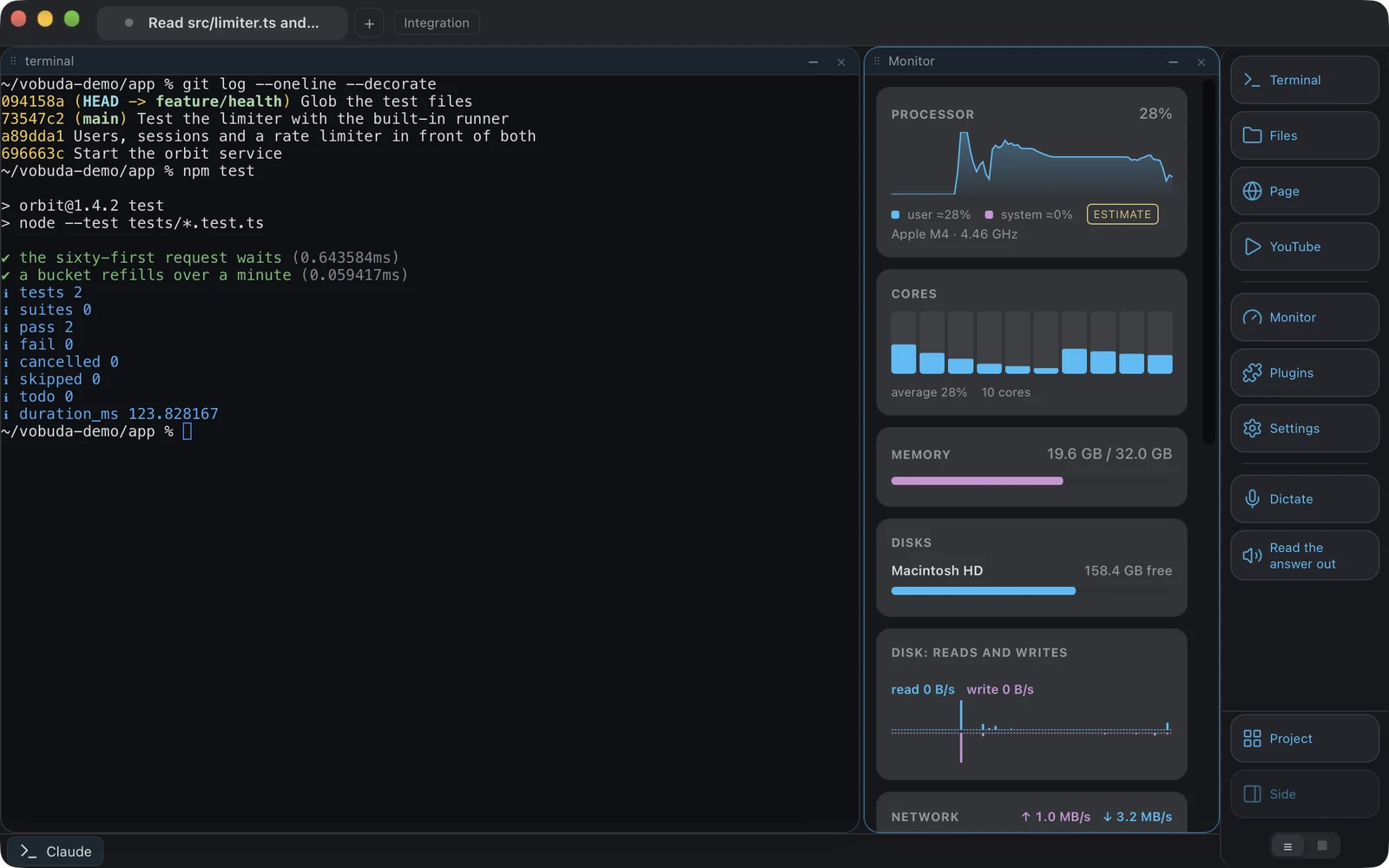
-
Where the core lives
Hyper is built on Electron. Vobuda uses Tauri 2, so the interface is web technology but the core is Rust and owns the pseudo-terminals, the file access, the monitor data and the updates, and the Mac package is about 10 MB, one for each chip. That is a different memory and startup profile.
-
Extension model
Hyper extends with JavaScript plugins anybody can write. Vobuda has add-ons from its own catalog only, Design and Director today, each installed and removed whole in one press and run in a page of its own that cannot bring the window down. Everything else extends with files: a theme, a look, a monitor skin, a dock button, an agent description or a shortcut set is a JSON file, and adding an agent takes no code at all.
-
The agent
Vobuda reads a running agent's own sessions, skills, models, effort and permission mode and draws them as controls, and keeps a line each time an agent stops.
-
Source
Hyper is open source and Vobuda is not. If you want to read and modify the program, that settles it in Hyper's favour.
Where your configuration lives
The shortest honest answer to this comparison. Both samples set the same four things: typeface, size, colours, transparency.
module.exports = { config: { fontFamily: 'JetBrains Mono', fontSize: 13, backgroundColor: '#1a1b26', }, plugins: ['hyper-tokyo-night'],};{ "theme": "tokyo-night", "term": { "font": "JetBrains Mono", "fontSize": 13 }, "window": { "opacity": 0.96, "quakeKey": "cmd+`" }} # themes/, keys.json and skins/ sit beside it in the same# folder. Nothing about you is written anywhere else.Side by side
Read September 2026. Their own site is the authority on anything that has changed since.
| vobuda | Hyper | |
|---|---|---|
| Platforms | macOS 10.15+, Linux | macOS, Linux, Windows |
| Source | Closed, free | Open, MIT |
| Account | None | None |
| Built on | Rust core with Tauri 2, React 19, xterm.js, GPU rendering optional | Electron |
| Configuration | A folder of readable JSON, hot-reloaded | A JavaScript config file |
| Extensions | Add-ons from its own catalog; files for themes, looks, skins, buttons, agents, keys | JavaScript plugins |
| Agent control bar | Yes | No |
| System monitor | Twelve kinds of panel | Through plugins |
| Interface languages | 40, with a guide in each | English |
Everything claimed about vobuda is checkable in the build on this site. See the whole field on one page.
Hyper and vobuda, asked plainly
Is Vobuda an Electron app?
No. It uses Tauri 2, so the interface is web technology rendered by the system's own web view while the core is Rust. The whole Mac package is about 10 MB, one for each chip.
Can I write plugins for Vobuda?
No. Add-ons come from vobuda's own catalog, Design and Director so far, installed and removed whole. Everything else that would normally be a plugin is a file instead: themes, window looks, monitor skins, dock buttons, agent descriptions and shortcut sets are JSON, and adding an agent needs no code.
Which is lighter?
Vobuda, by a wide margin, because the core is native rather than a bundled browser runtime.
Ten minutes is a better comparison than this page
It installs in one line, opens with a single terminal block and takes nothing from you.
curl -fsSL https://vobuda.com/install.sh | sh