Vobuda i Hyper, jedan pored drugog
Hyper je dokazao da se terminal može izgraditi na web tehnologiji i da ga svatko može proširiti. Vobuda preuzima istu opkladu na rendering, ali zauzima sasvim drugačiju poziciju o tome gdje pripada jezgra programa.
U čemu je Hyper dobar
Hyperova polazna ideja bila je točna i rana: ako je sučelje napravljeno u HTML-u i CSS-u, svatko tko piše web kod može proširiti terminal, pa iz toga proizlazi ekosustav dodataka. Otvorenog je koda, radi na više platformi, a konfiguracija je JavaScript datoteka, pa je konfiguracija zapravo program.
Ako želite pisati vlastite funkcije terminala u JavaScriptu bez učenja novog sustava, Hyperov model dodataka i dalje je najpristupačniji na ovom području.
U čemu se njih dvoje razlikuju
-
Gdje živi jezgra
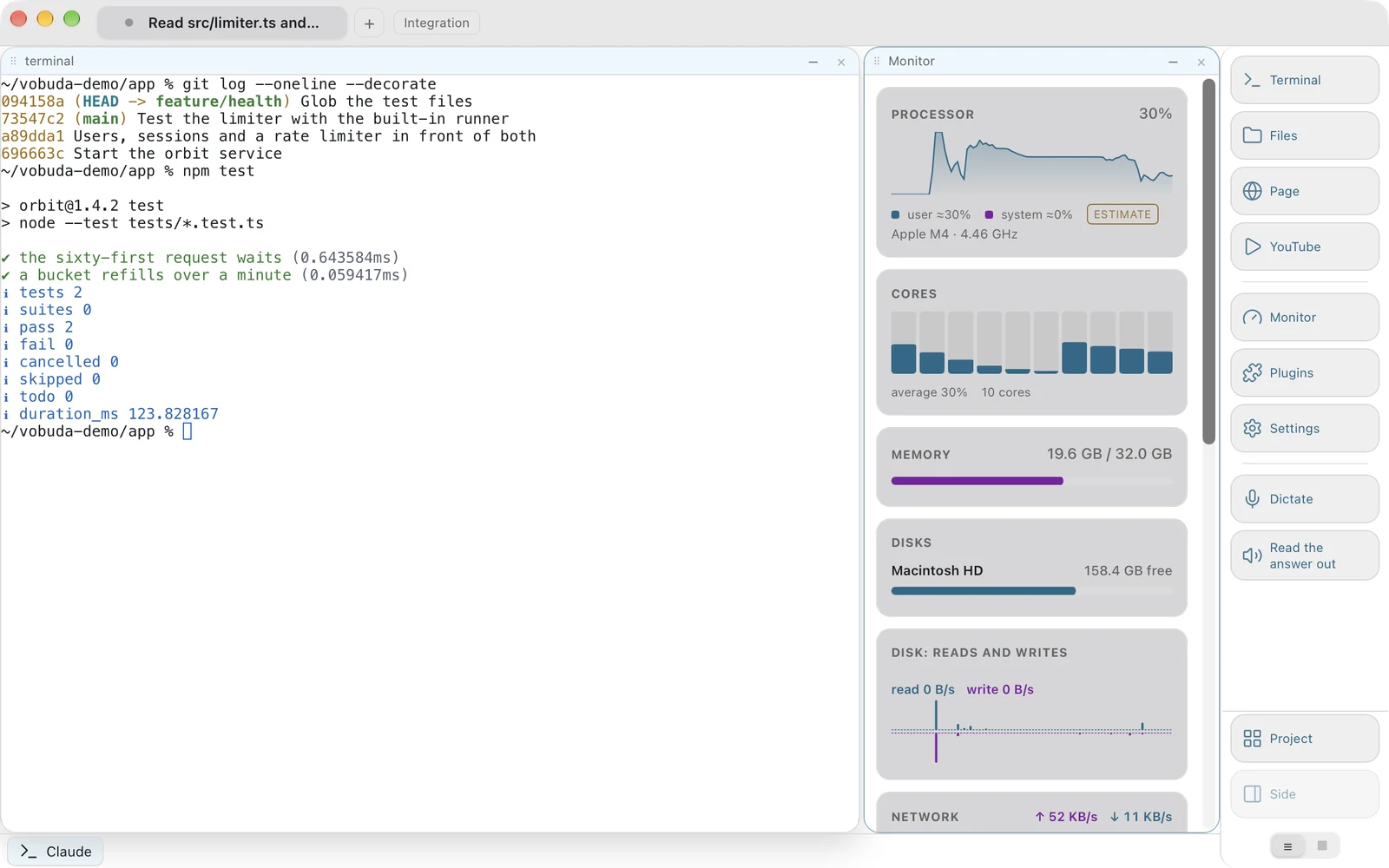
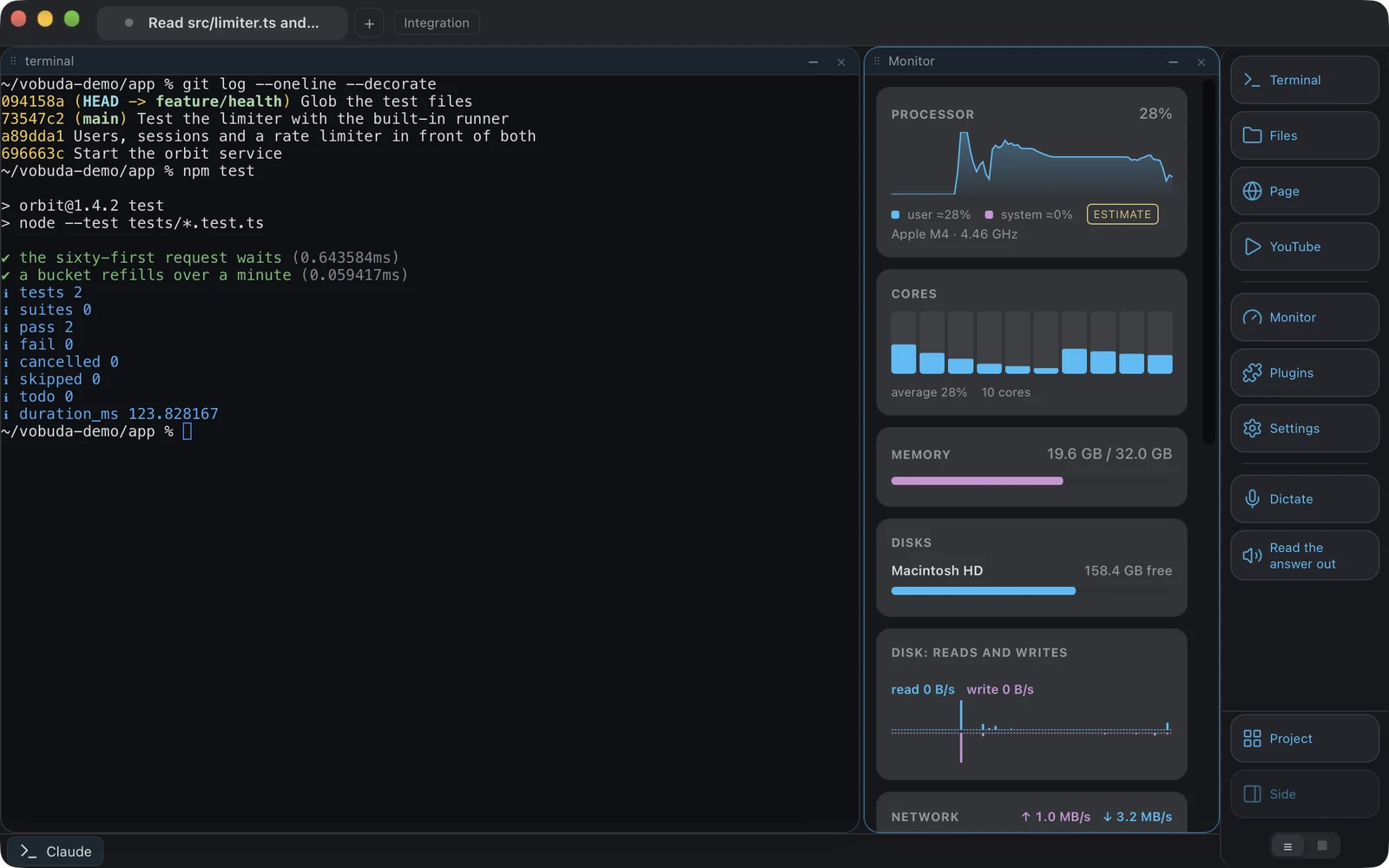
Hyper je izgrađen na Electronu. Vobuda koristi Tauri 2, pa je sučelje web-tehnologija, a jezgra je Rust koji upravlja pseudoterminalima, pristupom datotekama, podacima monitora i ažuriranjima, a paket za Mac ima oko 10 MB, zaseban za svaki čip. To je drukčiji profil memorije i pokretanja.
-
Model proširenja
Hyper se proširuje JavaScript dodacima koje može napisati bilo tko. Vobuda ima samo dodatke iz vlastitog kataloga, danas Design i Director, svaki se instalira i uklanja u cijelosti jednim pritiskom i radi na vlastitoj stranici koja ne može srušiti prozor. Sve ostalo proširuje se datotekama: tema, izgled, skin monitora, gumb u docku, opis agenta ili skup prečaca jest JSON datoteka, a dodavanje agenta ne traži nikakav kod.
-
Agent
Vobuda čita vlastite sesije, vještine, modele, razinu truda i način dopuštenja pokrenutog agenta te ih prikazuje kao kontrole, a nakon svakog zaustavljanja agenta zapisuje redak.
-
Izvorni kod
Hyper je otvorenog koda, a Vobuda nije. Ako želite čitati i mijenjati program, to ide u korist Hypera.
Gdje živi vaša konfiguracija
Najkraći iskren odgovor na ovu usporedbu. Oba primjera postavljaju iste četiri stvari: font, veličinu, boje, prozirnost.
module.exports = { config: { fontFamily: 'JetBrains Mono', fontSize: 13, backgroundColor: '#1a1b26', }, plugins: ['hyper-tokyo-night'],};{ "theme": "tokyo-night", "term": { "font": "JetBrains Mono", "fontSize": 13 }, "window": { "opacity": 0.96, "quakeKey": "cmd+`" }} # themes/, keys.json i skins/ nalaze se pored nje u istoj# mapi. Ništa o vama nije zapisano nigdje drugdje.Jedno pored drugog
Stanje u rujnu 2026. Za sve što se otad promijenilo mjerodavna je njihova vlastita stranica.
| vobuda | Hyper | |
|---|---|---|
| Platforme | macOS 10.15+, Linux | macOS, Linux, Windows |
| Izvorni kod | Zatvoren, besplatan | Otvoren, MIT |
| Račun | Nije potreban | Nije potreban |
| Izgrađen na | Jezgra u Rustu s Tauri 2, React 19, xterm.js, iscrtavanje na GPU-u neobavezno | Electron |
| Konfiguracija | Mapa čitljivog JSON-a, učitava se bez ponovnog pokretanja | JavaScript konfiguracijska datoteka |
| Proširenja | Dodaci iz vlastitog kataloga; datoteke za teme, izglede, skinove, gumbe, agente, tipke | JavaScript dodaci |
| Traka za kontrolu agenta | Da | Ne |
| Sustavni monitor | Dvanaest vrsta ploča | Kroz dodatke |
| Jezici sučelja | 40, s vodičem za svaki | Engleski |
Sve što se tvrdi o vobudi može se provjeriti u izvedbi na ovoj stranici. Pogledajte cijelo područje na jednoj stranici.
Hyper i vobuda, izravno
Je li Vobuda Electron aplikacija?
Ne. Koristi Tauri 2, pa je sučelje web-tehnologija koju iscrtava sustavski web-prikaz, a jezgra je Rust. Cijeli paket za Mac ima oko 10 MB, zaseban za svaki čip.
Mogu li pisati dodatke za Vobudu?
Ne. Dodaci dolaze iz vlastitog kataloga vobude, zasad Design i Director, instaliraju se i uklanjaju u cijelosti. Sve ostalo što bi inače bilo dodatak umjesto toga je datoteka: teme, izgledi prozora, skinovi monitora, gumbi u docku, opisi agenata i skupovi prečaca jesu JSON, a dodavanje agenta ne traži kod.
Koji je lakši?
Vobuda, s velikom razlikom, jer je jezgra izvorna, a ne ugrađeno okruženje preglednika.
Deset minuta bolja je usporedba od ove stranice
Instalira se u jednom retku, otvara jednim blokom terminala i ne uzima vam ništa.
curl -fsSL https://vobuda.com/install.sh | sh