Vobuda and Tabby, side by side
Tabby is a connection manager as much as a terminal, and that is a job Vobuda does not do at all. If it is your job, this comparison is short.
What Tabby is good at
Tabby is open source, cross-platform, and built around managing connections: SSH profiles, serial ports, saved hosts, and file transfer alongside the shell. It has a settings interface most people can use without reading anything, and it works the same on Windows, macOS and Linux, which matters a great deal if you support machines on all three.
If your day involves twenty saved hosts and a serial cable, Tabby is built for you and Vobuda is not a candidate.
Where the two differ
-
Connections
Tabby manages SSH and serial connections as first-class objects with saved profiles. Vobuda has none of that: Cmd+K opens a block on any host in your ~/.ssh/config, and that is all. No saved profiles, keys or serial ports. This is the clearest difference in the whole comparison field.
-
The agent
Vobuda reads a running agent's own sessions, skills, models, effort and permission mode and puts them on a bar, keeps a record each time it stops, and can keep the Mac awake for a time you choose.
-
What is in the window
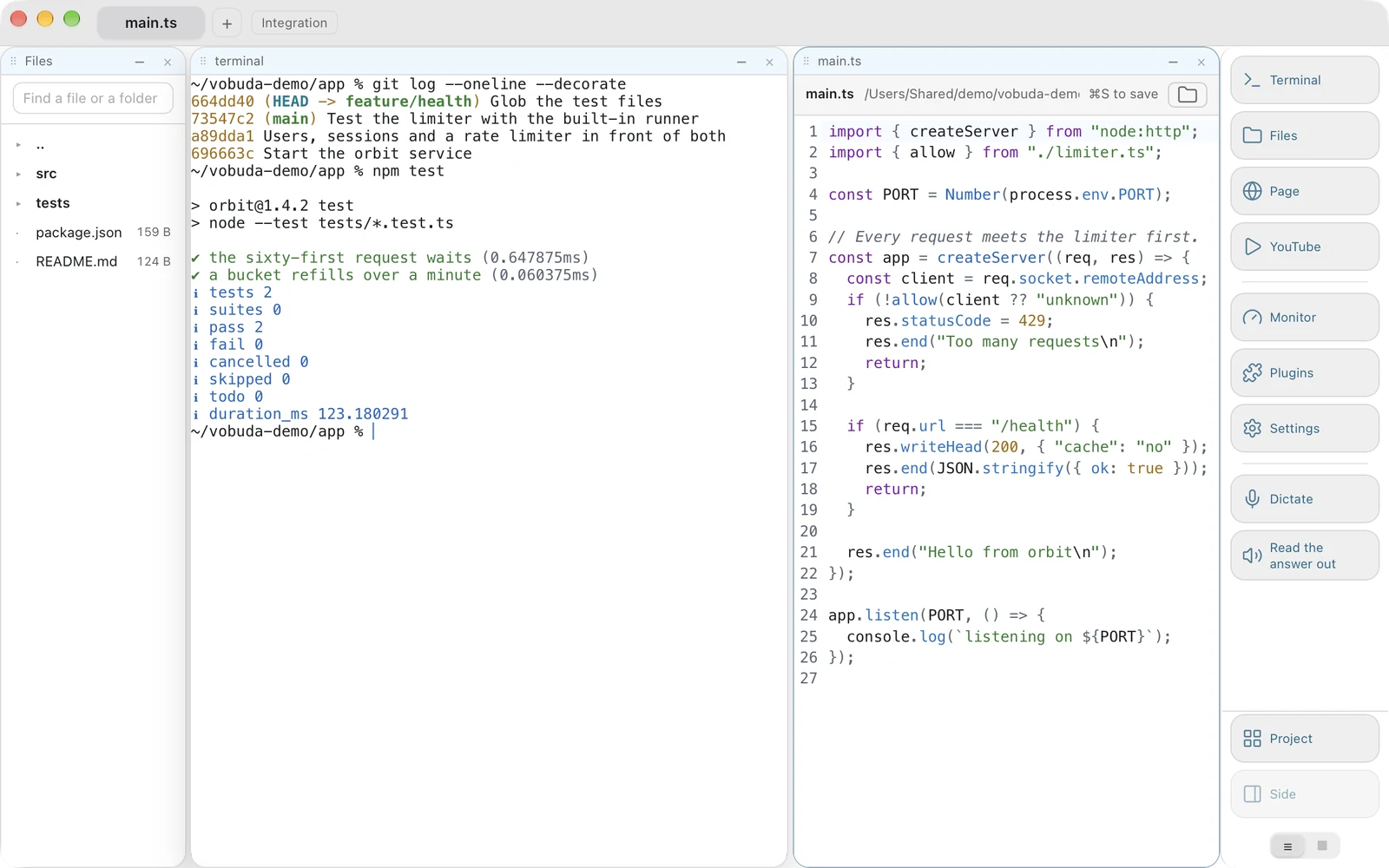
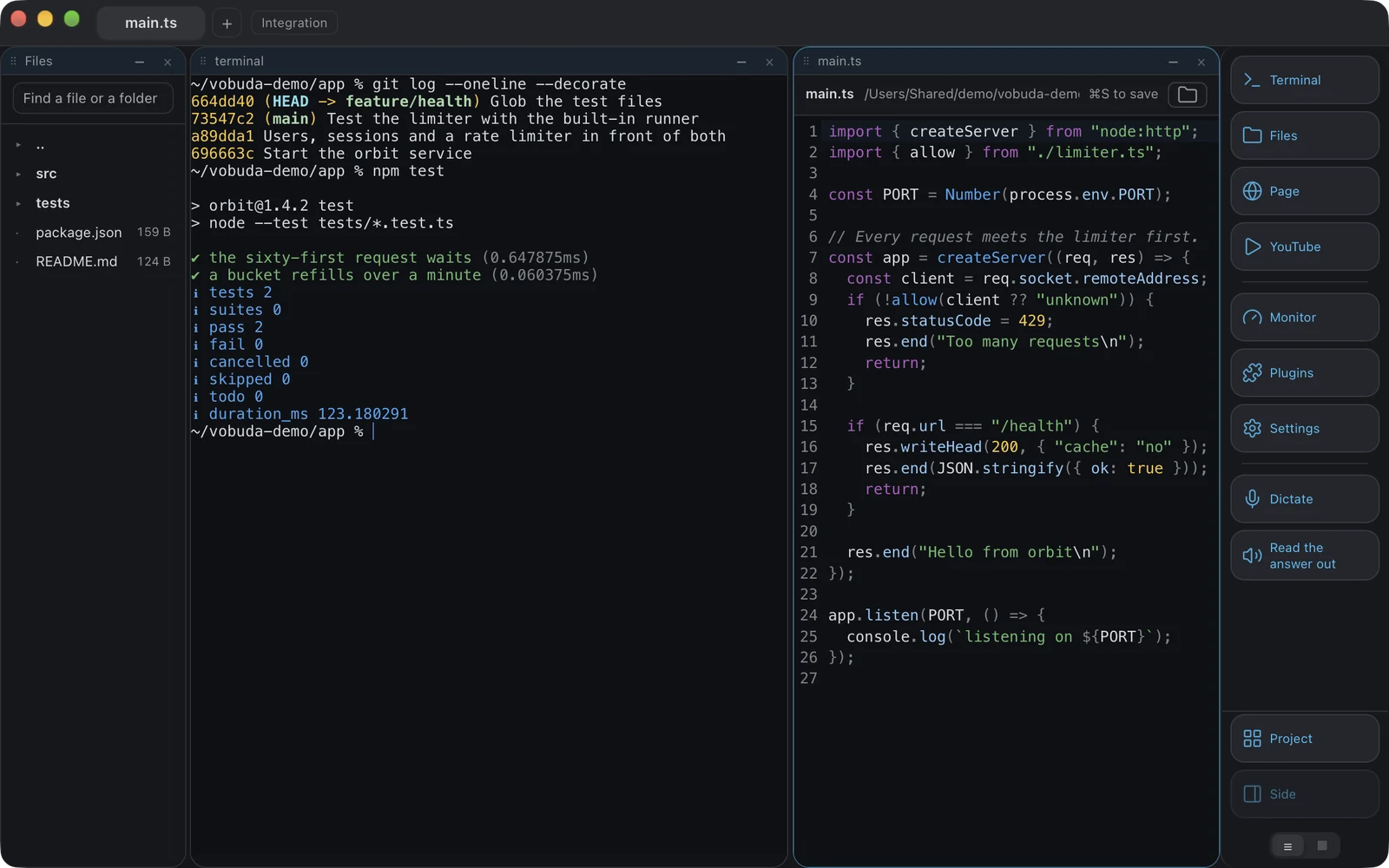
Vobuda holds a system monitor with twelve kinds of panel, a file open beside the shell with colouring for 227 kinds, a web page as a block, dictation and reading aloud on-device, and a quake window on a global key you choose.
-
Platforms and source
Tabby is cross-platform and open source. Vobuda runs on macOS and Linux, not Windows, and is closed. Both of those favour Tabby if they matter to you.
Where your configuration lives
The shortest honest answer to this comparison. Both samples set the same four things: typeface, size, colours, transparency.
terminal: font: JetBrains Mono fontSize: 13hotkeys: split-right: [⌘-D]profiles: - name: server type: ssh{ "theme": "tokyo-night", "term": { "font": "JetBrains Mono", "fontSize": 13 }, "window": { "opacity": 0.96, "quakeKey": "cmd+`" }} # themes/, keys.json and skins/ sit beside it in the same# folder. Nothing about you is written anywhere else.Side by side
Read September 2026. Their own site is the authority on anything that has changed since.
| vobuda | Tabby | |
|---|---|---|
| Platforms | macOS 10.15+, Linux | macOS, Linux, Windows |
| Source | Closed, free | Open, MIT |
| Account | None | None |
| SSH and serial profiles | No; a block on any host in ~/.ssh/config | Yes, built in |
| Configuration | A folder of readable JSON, hot-reloaded | Settings interface backed by a config file |
| Agent control bar | Yes | No |
| System monitor | Twelve kinds of panel | No |
| Editor beside the shell | 227 kinds of file | No |
| Interface languages | 40, with a guide in each | Several |
Everything claimed about vobuda is checkable in the build on this site. See the whole field on one page.
Tabby and vobuda, asked plainly
Does Vobuda manage SSH connections?
Not as Tabby does. Cmd+K opens a block on any host in your ~/.ssh/config, and there it stops. If you want saved hosts, keys and serial ports in the terminal itself, Tabby does that and Vobuda does not.
Can I use both?
Plenty of people do: one terminal for local work and one for connection management. Neither interferes with the other.
Which is lighter on a Mac?
Vobuda: the core is Rust through Tauri 2 rather than a bundled browser runtime, and the Mac package is about 10 MB, one for each chip.
Ten minutes is a better comparison than this page
It installs in one line, opens with a single terminal block and takes nothing from you.
curl -fsSL https://vobuda.com/install.sh | sh